About Hallify
Built around how a restaurant actually works
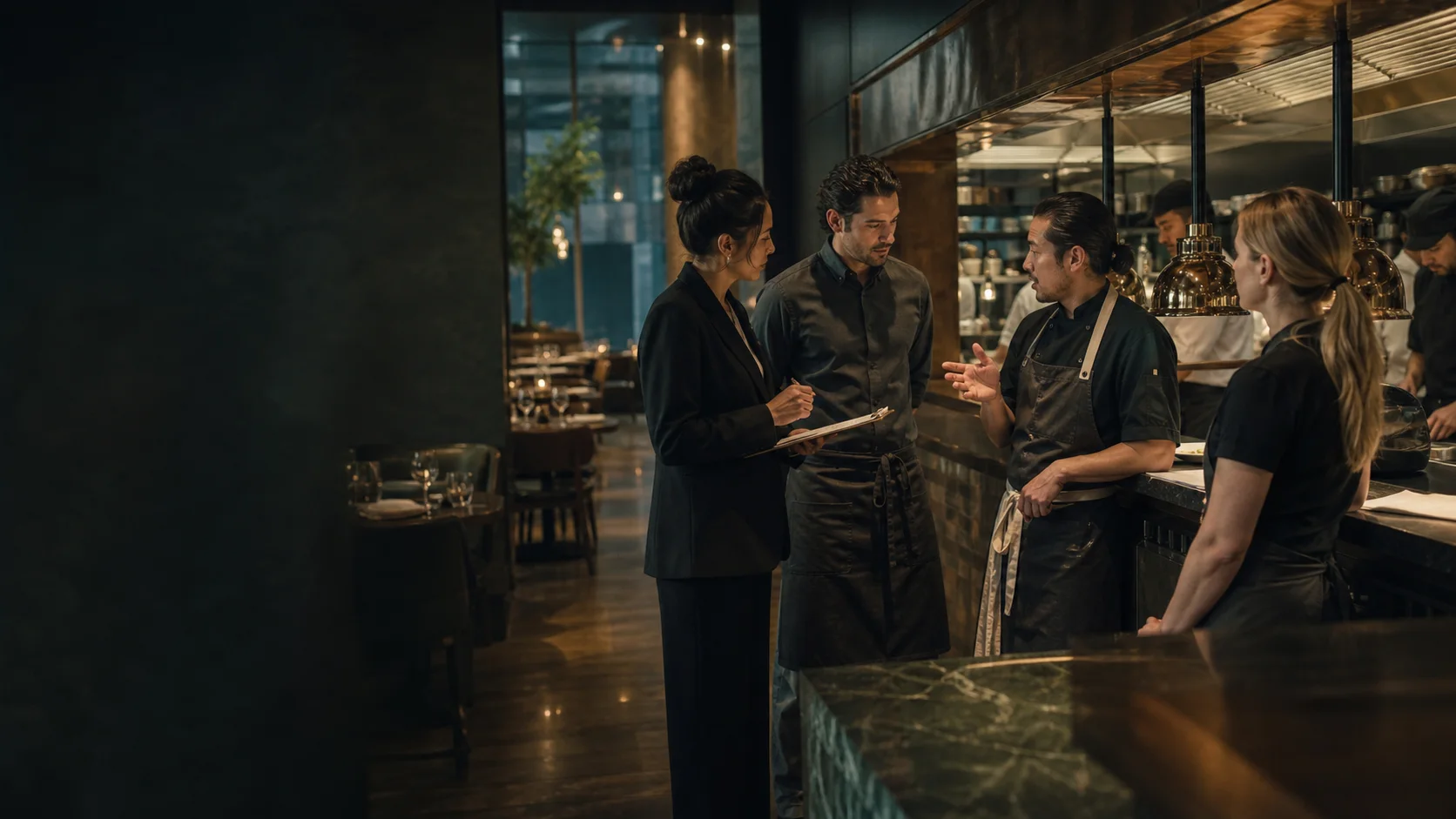
Restaurants drift when floor, kitchen, stock, staff, guests, and money tell different stories. Hallify keeps those teams working from one connected operational context.
Product thesis
Built for the rhythm of a real shift
Hallify is shaped around live operations, clear responsibility, dependable financial facts, traceable corrections, and practical visibility for managers.
- 01
Clarity before decoration
Every screen should answer what is happening now, who owns the next action, and what changed.
- 02
Control without friction
Critical actions need permissions, clear state, and a record that can be trusted later.
- 03
Continuity across the shift
Guest, order, stock, staff, and payment context should survive handoffs between teams.
One operating model
Different teams. One continuous operation.
Each team gets the view it needs while the underlying guest, order, stock, staff, and payment context remains connected.
01Service
Front of house
Reservations, waitlist, guest profiles, floor sessions, item flow, split checks, and POS actions stay visible to the service team.
02Production
Back of house
Recipes, variants, kitchen stations, courses, purchase orders, stock movement, supplier context, and production state stay connected.
03Control
Management
Managers and owners get analytics, staff, payroll signals, role controls, audit context, and operational warnings.

Current product coverage
Real coverage, organized around the work
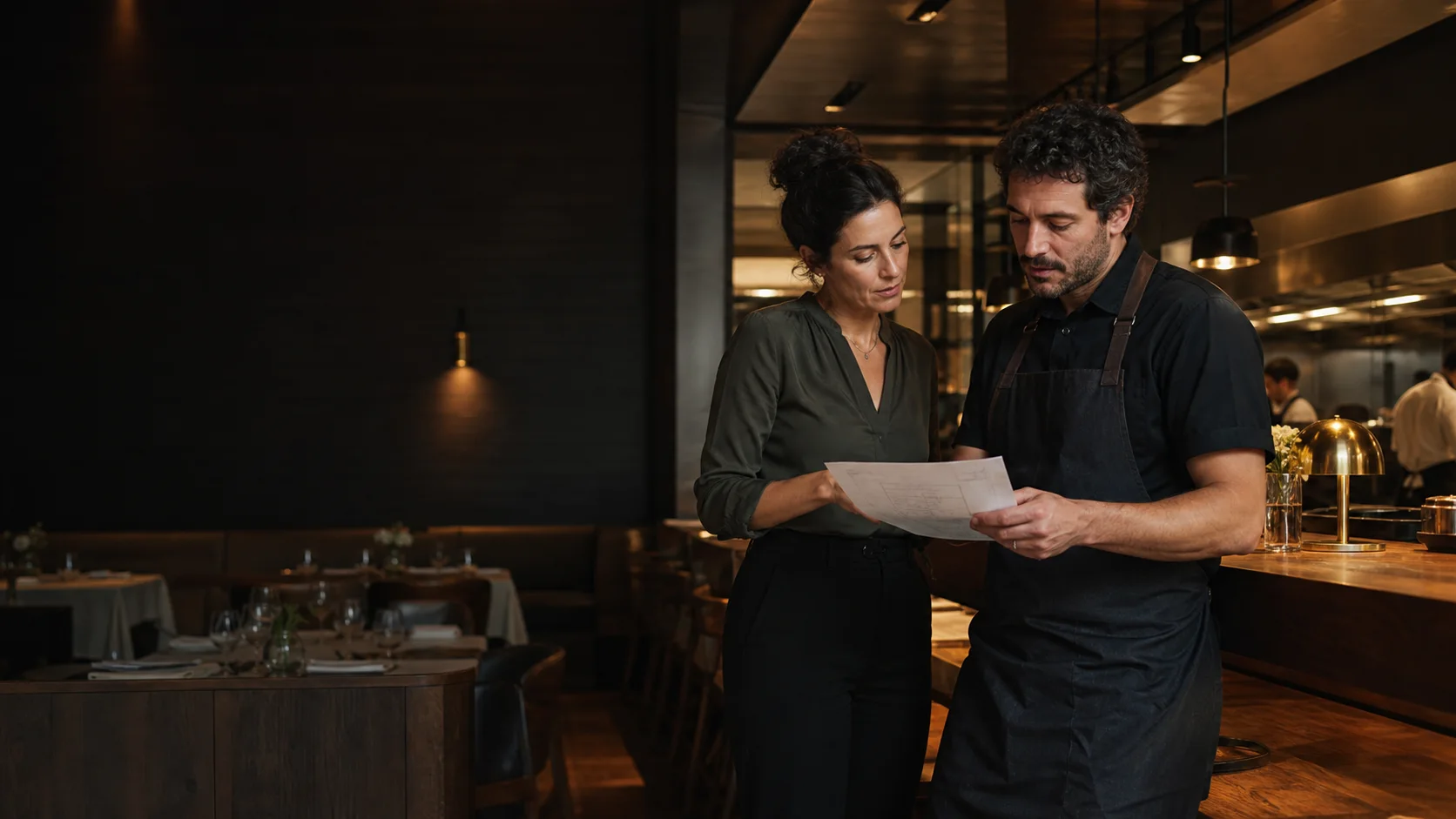
Eleven working product areas connect the guest journey, production, people, stock, money, and management context.
01Guest and service
A reservation becomes a guest, a table, an order, and a payment inside one continuous service path.
Host
Reservations and waitlist
Reservations, waitlist context, guest lookup, history, and table handoff make the host desk part of the same live operating loop.
Guests
Guest CRM
Guest profiles, tags, notes, preferences, allergies, visit history, merge tools, and service warnings connect the host stand to floor and analytics.
Floor
Floor and table sessions
Rooms, tables, sessions, guests, item flow, split checks, transfers, merges, corrections, and post-checkout visibility stay in one service path.
POS
POS, payments, and corrections
Cashier workflows cover checks, payments, drawers, corrections, refund resolution, and payment history without mutating confirmed payment facts.
02Production and supply
Menu structure becomes kitchen work, ingredient demand, stock movement, and purchasing context without losing the link between them.
Menu
Menu, recipes, and variants
Menu items, variants, modifiers, recipes, allergens, kitchen station routing, and ingredient links turn the menu into an operating system, not a PDF.
Kitchen
Kitchen production flow
Kitchen queues, station settings, courses, cooking states, ready signals, partial passes, and cancellation context keep service and back of house aligned.
Stock
Inventory and purchasing
Ingredients, categories, suppliers, purchase orders, receipts, stock movements, thresholds, and history help the team protect margin without spreadsheets.
03Management and control
Managers get the people, permissions, audit trail, and live signals needed to understand what changed and why.
Command
Operations Command Center
A live entry point across venues with floor, kitchen, host, staff, inventory, and alert signals before a manager opens any workspace.
Staff
Staff, time clock, payroll
Staff directory, positions, schedules, time clock, payroll settings, tips, reports, and role-aware access connect people data to the shift.
Analytics
Operational analytics
Revenue, room performance, staff signals, stock alerts, and operational warnings are grouped into a manager workspace built for decisions.
Control
RBAC and audit-safe actions
Owner, manager, waiter, and chef access stays explicit. Sensitive actions are gated before the server rejects them, and operational changes stay accountable.
Next step
Bring a real shift into the pilot
The next useful conversation is concrete: venue size, team roles, service model, and the workflows that need to go live first.